Radial Path Like Social Share- Joomla Plugin
Configuration
After install go to Extensions->Plugins

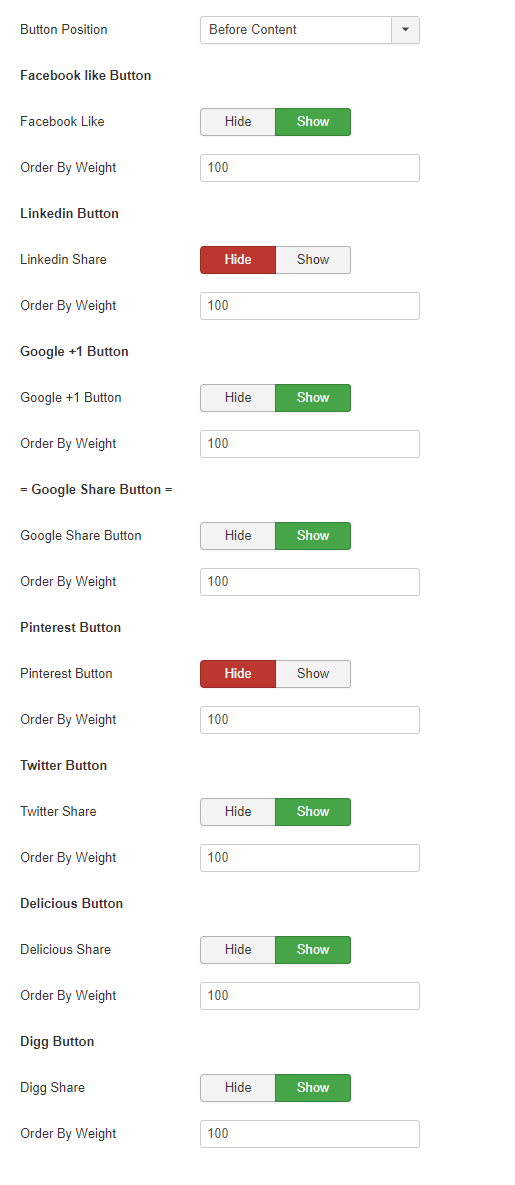
Open Radial Path Like Social Share. Here you'll get 17 tabs

In Plugin tab below these option you'll get
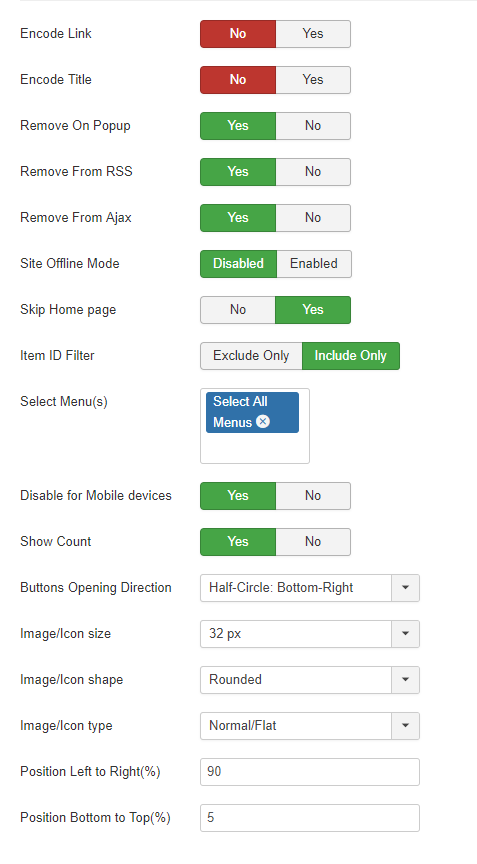
In Plugin tab below these option you'll get
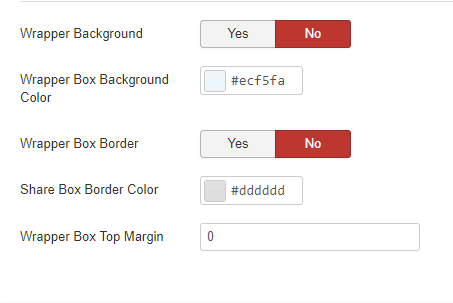
In Floating configuration tab below these option you'll get
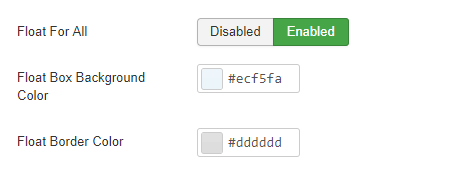
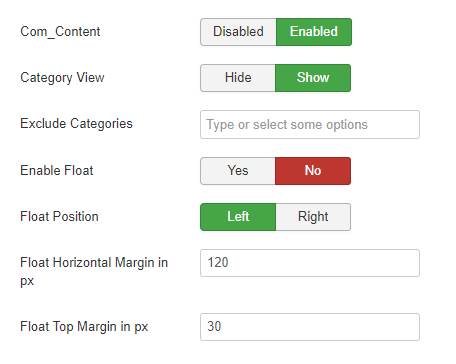
In Com content component settings tab below these option you'll get
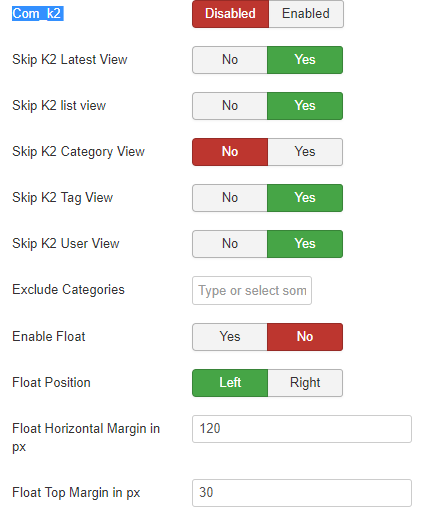
Com_k2 component settings tab below these option you'll get
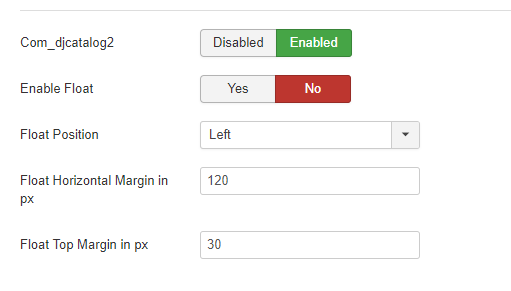
Com_djcatalog2 settings tab below these option you'll get
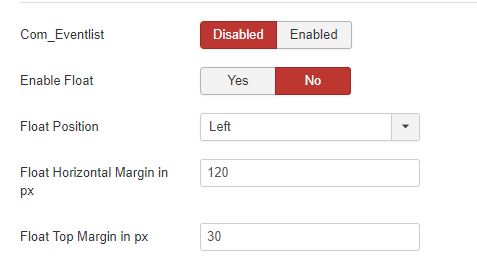
Com_Eventlistt list component settings tab
Com_Quickfaq component settings tab
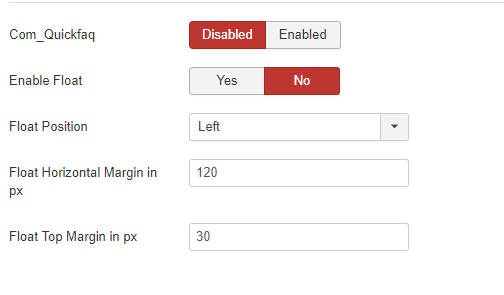
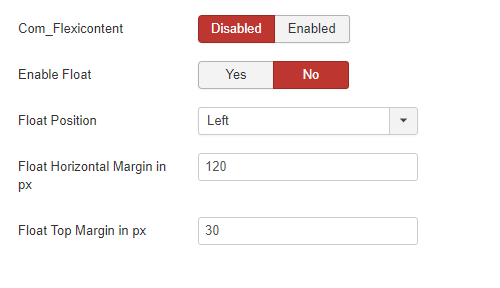
Com_Flexicontent component settings tab
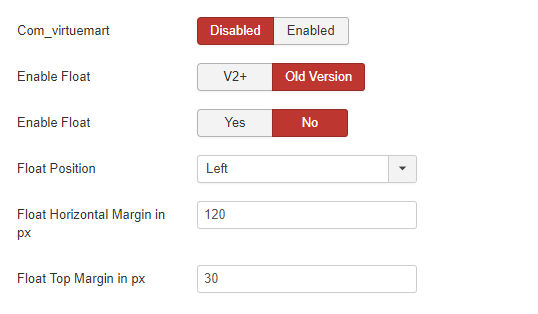
Com_virtuemart component settings tab
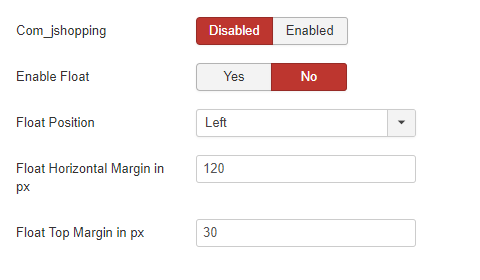
Com_jshopping component settings tab
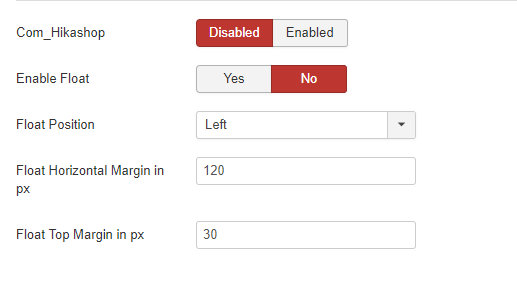
Com_Hikashop component srttings tab
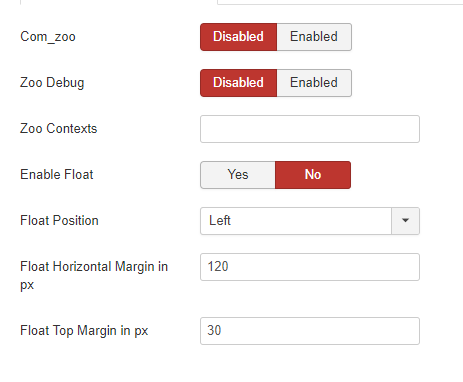
Com_zoo component settings tab
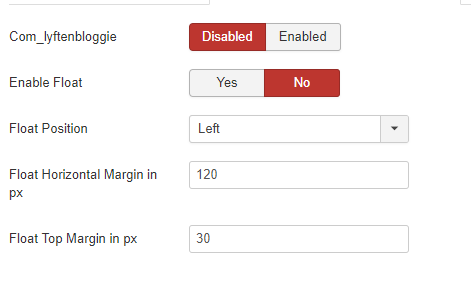
Com_lyftenbloggie component settings tab
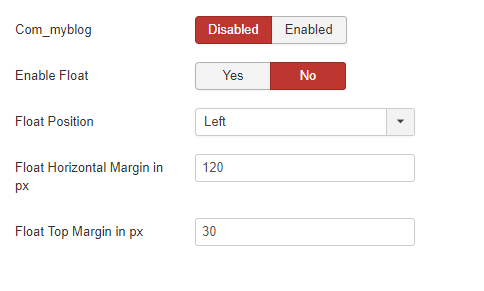
Com_myblog component settings tab
Com_Magent component settings tab
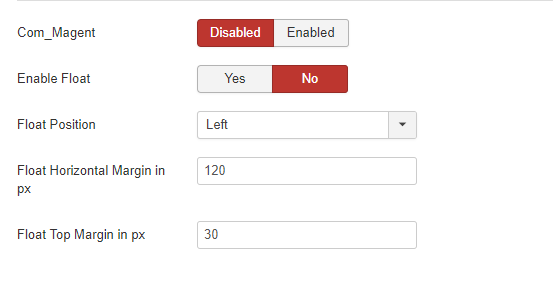
Button Position component settings tab